




Use your USB drive or PC as an independent multimedia center
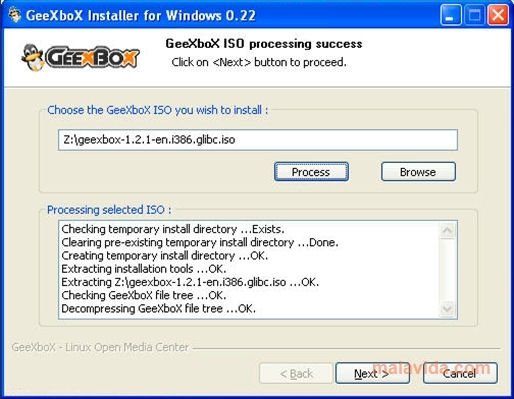
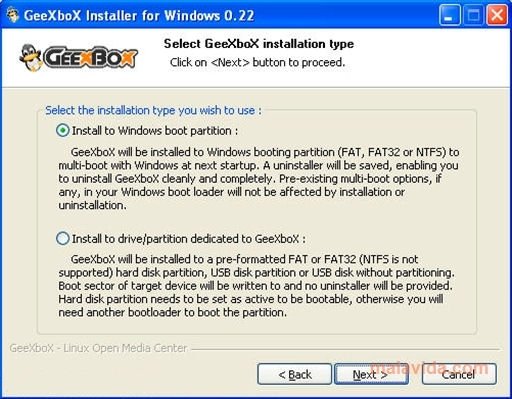
GeeXboX Installer is a useful tool that will allow us to install the GeeXboX multimedia center on a USB device, in a free partition of our hard drive or in the Windows boot partition to create a multi-boot option. All we have to do is indicate where the ISO with GeeXboX is, choose our option and follow the instructions.
Install a really complete media center
What is GeeXboX? It is a small operating system based on Linux, that works as an excellent Multimedia Center. The advantages of this system, as opposed to other Multimedia Centers, are enormous. It doesn't require any additional software. It hardly requires any resources, taking full advantage of all the computer's power. All you need is to have a computer with x86 architecture or PowerPC, you don't even need a hard drive, because the entire system loads in the memory.
Thanks to GeeXboX Installer we will be able to create all the boot units that we may require with GeeXboX, install it as an alternative system on our PC or take it with us on our USB pendrive to enjoy all its multimedia power on any computer.
 Héctor Hernández
As a technology journalist with over 12 years of experience in the world of software and apps, I have had the opportunity to try all kinds of devices and operating systems over the years. I have done from software or mobile applications reviews...

Antony Peel